








HYPERDES · PRACTICAL GUIDE

Free design tools for everyday creative work

HyperDes brings barcode generation, image to PDF, halftone effects, animated GIFs and image conversion into one place. Most file tools run in your browser; Img Upscaler uploads your image to the cloud when you start processing. No visitor account is required.

How to use it

  1. Choose a tool for your intended output: a printable code, PDF, still image or GIF.
  2. Select files from your device or enter your data, adjust the settings and inspect the result.
  3. Download the file and reopen it in the application you will use for delivery.

Before you export

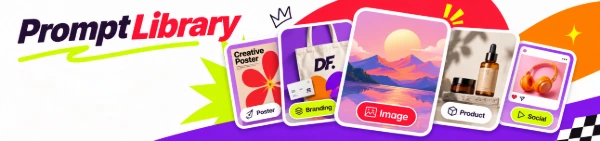
  • For advertising-image ideas, the prompt library helps you write instructions for an external image-generation service.

Common questions

Do I need to upload my files to a server?

PDF, barcode, GIF, image-effect and conversion tools process content on your device. Img Upscaler uploads images through Cloudflare to Modal when you press Upscale. Advertising, visit statistics and the contact form are separate services; see the privacy policy for details.

Creative tools hero artwork with a designer in a bright orange and violet jacket.

CREATIVE for the next generation

Practical tools for everyday design work, from barcodes and image effects to prompts that help the next idea take shape.

Feature Stories

Creative stories
with HyperDes

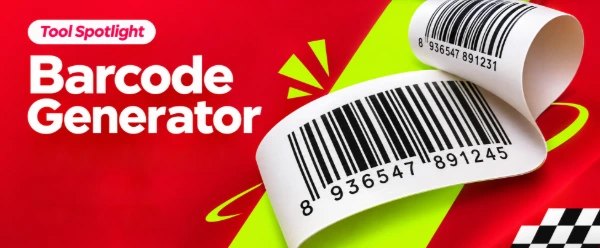
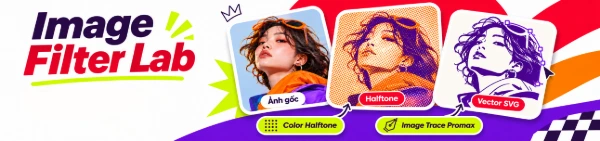
Barcode Generator feature story artwork.Feature StoriesBarcode GeneratorCreate standard barcodes, fast and flexible.Image Filter Lab feature story artwork.Image Filter LabImage Filter LabCreate halftone · Vector SVGPrompt Library feature story artwork.Prompt LibraryPrompt LibraryA curated prompt shelf for design, images and more.

LESS FRICTION. MORE CREATING.

Your everyday tools for CREATIVE FLOW

Browser-based tools that keep your files private and your creative flow moving.

Explore featured tools
Break all limits of creativity. Explore new spaces and tools at HyperDes.

Free professional resources

Explore resources

Made for everyday design work

Top tools to try

Edit a PDF, turn artwork into vectors, prepare a barcode or enlarge an image. Choose the tool that matches your next step, with no account required.

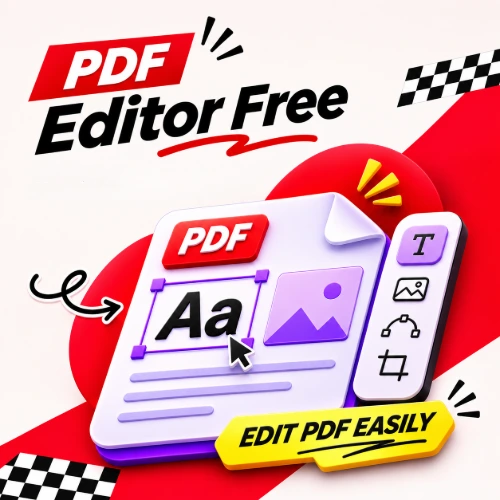
PDF Editor editing text and objects in a sample document.

PDF · EDIT

PDF Editor Free

Edit existing text, images and vectors with Edit PDF objects, or add text, images, shapes and lines in your browser.

Best for
Updating documents, adding annotations and adjusting pages before delivery.
Output
A new PDF and page PNG images.
Path Editor showing editable anchors on the NATURAL vector sample.

VECTOR · PATH EDITOR

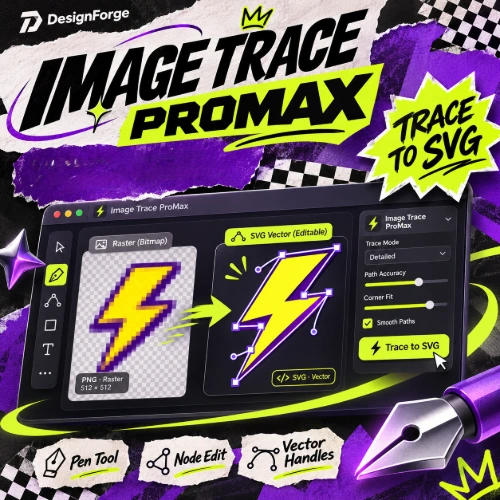
Image Trace Promax

Turn black areas or individual color regions into editable SVG paths, then refine anchors and handles in Path Editor.

Best for
Raster logos, flat artwork and illustrations with clear edges.
Output
SVG with real paths; accepts PNG, JPG, WebP or BMP up to 30 MB.
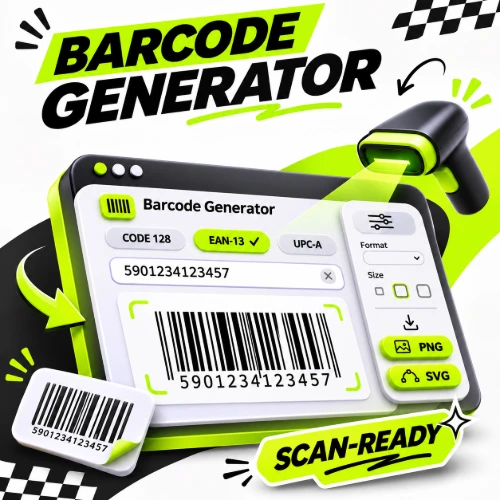
Barcode and QR samples illustrating the output formats of Barcode Generator.

BARCODES · PRINT

Barcode Generator

Create EAN-13, UPC-A, ITF-14, Code 128, GS1-128 and QR codes from your data, then export files for labels and packaging.

Best for
Product labels, inventory codes and QR links to websites or documents.
Output
SVG, PDF or PNG; EAN-13, UPC-A and ITF-14 calculate check digits.
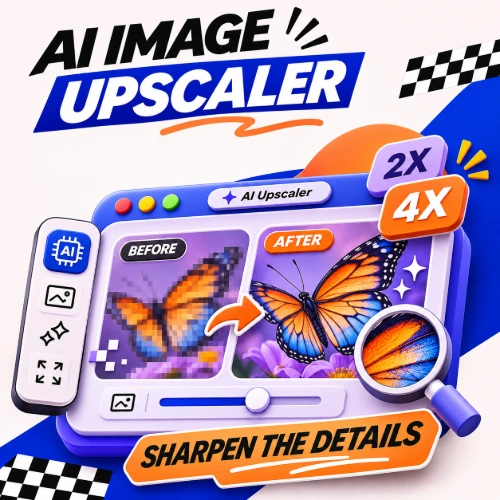
A geometric demo image enlarged with Real-ESRGAN at 4× and exported as PNG.

AI · IMAGE UPSCALER

AI IMG Upscaler

Enlarge PNG, JPG or WebP images with Real-ESRGAN at 2×/4×, then download a PNG. Suitable sources can reach up to 8192 pixels on one edge.

Best for
Preparing larger images for layouts, product shots and illustrations.
Output
PNG; sources up to 10 MB may be reduced before AI to stay within output limits.